
How It Works
Flash Frog gives your students a full practice studio — right inside the app. Every tool is built around proven teaching methods, so practice time actually leads to progress.
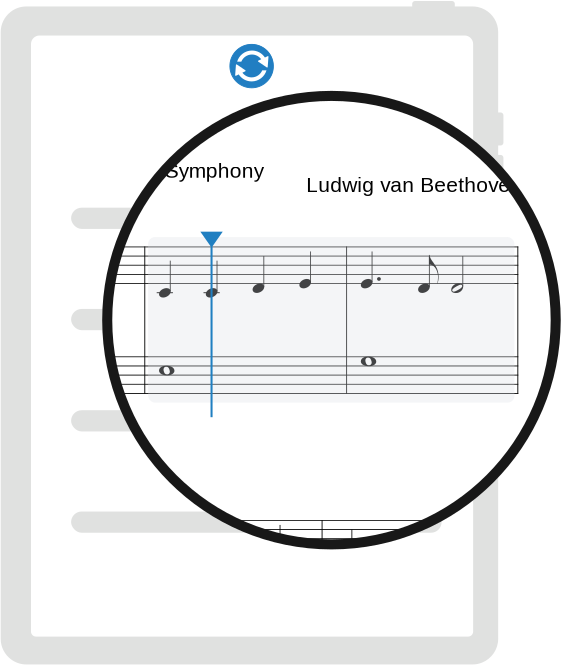
Infinite Loop
Drill What's Hard.
Skip the Rest.
Real progress comes from practicing the hard parts — not playing through to the end and hoping for the best. Select any phrase, set your loop, and Flash Frog runs it continuously until it sticks. No tapping to restart. Just the repetition that builds real skill.
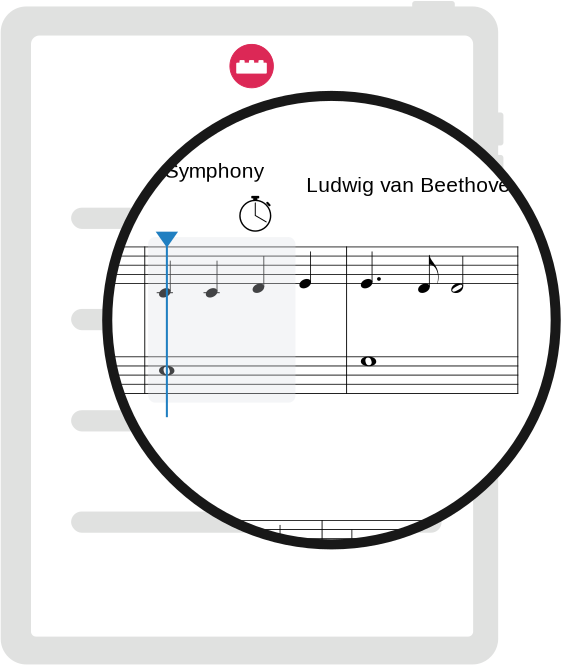
Note Blox
Build Phrases
Note by Note.
Start with two notes. Nail them. Add a third, then a fourth — building the phrase one note at a time until you've mastered it. This is chaining, the same technique music teachers use to build muscle memory without overwhelming the brain. Every round ends in success because you're never challenged with more than you can handle.
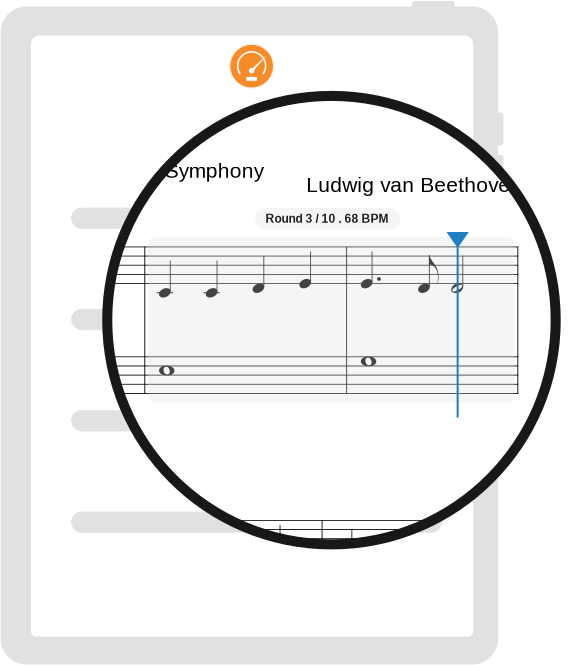
Tempo Ramp
Speed Up
Gradually.
Starts at half tempo and speeds up each round — automatically. The phrase stays the same, the challenge keeps growing. Your fingers and your brain adapt together, and repetition never gets boring.
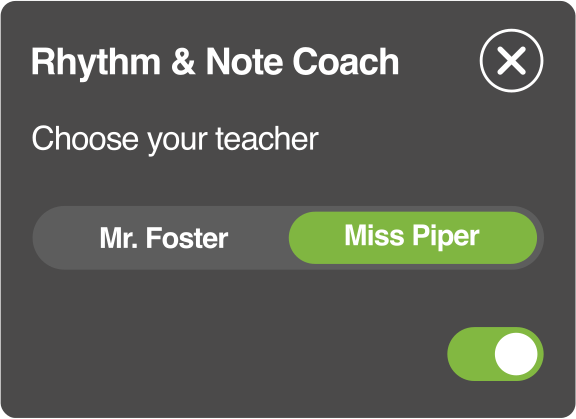
Rhythm & Note Name Coach
Meet Miss Piper
& Mr. Foster.
Flash Frog's built-in practice coaches guide students through note names and rhythms every practice session — not just lesson day. Students say note names and mnemonic phrases aloud while they play. It works because saying it and playing it at the same time is nearly impossible to get wrong. That's not a coincidence. It's neuroscience.
Note Name Lookup
Learn.
Don't Lean.
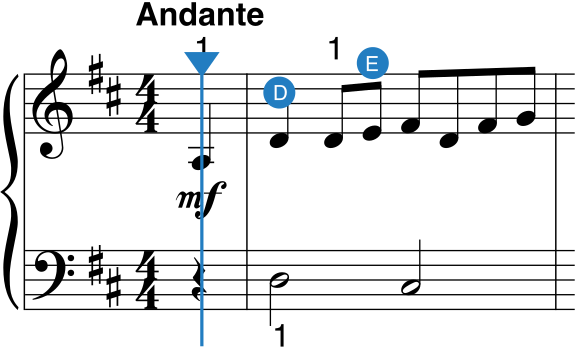
Tap any note and the name appears — then disappears after three seconds. The brain has to hold the memory. Over time, students stop looking because they already know.

Illuminated Keyboard
See Every Note
Light Up.
A keyboard at the bottom of the screen highlights each note as it plays. Students connect what they see on the score to where their fingers go — the way a teacher would show them.
Annotation Tool
Mark It Up
Your Way.
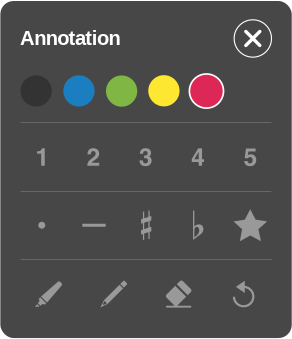
Draw, highlight, and add fingering numbers right on the score. Every marking saves with the piece. Nothing is lost between lessons.
Notepad
Keep the Lesson
Alive All Week.
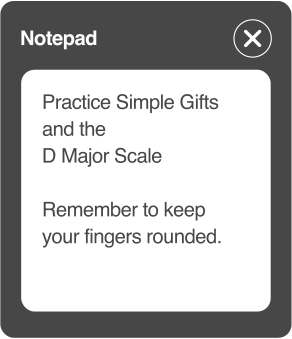
Record teacher notes and lesson reminders right inside the app, making every lesson count long after it ends.
Practice Streak Counter
Make the
Habit Visible.
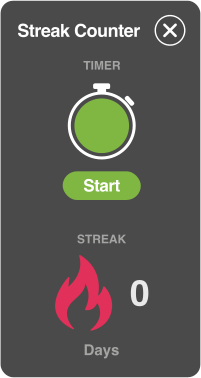
Consistent practice beats longer sporadic practice every time. The streak counter makes the habit visible — and keeping it alive becomes motivation enough.
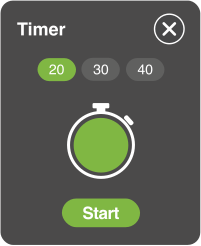
Timer
Practice with
a Goal.
Set a practice goal and time your session. Automatically pauses when you're not interacting with the app.
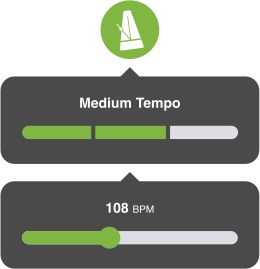
Easy & Custom Metronomes
Built the Way
Teachers Think.
Two metronomes in one. Easy mode is designed for young students, making it simple to choose the best practice or perfomance tempo. Advancing students can switch to Custom mode to dial in the exact BPM using the slider.

Take It
Anywhere.
Print any score for the music rack, the lesson, or to practice when you're away from home.